
Time Required: 20 minutes
Class Materials:
- Completed Oracle 12c install
The next step is to create a new 12c database!
The dbca is still the method used to create a new database in 12c. But before we launch the installer, we will modify the /etc/oratab file.
Since we did not hard code a default instance or oracle home into the login script of the oracle user, we will instead create a dummy entry in /etc/oratab to source the environment.
I am going to create an entry called dummy as follows:
# Multiple entries with the same $ORACLE_SID are not allowed.
#
#
+ASM1:/u01/app/12.1.0/grid:N:		# line added by Agent
-MGMTDB:/u01/app/12.1.0/grid:N:		# line added by Agent
dummy:/u01/app/oracle/product/12.1.0/dbhome_1:N:
This allows me to source my Oracle 12c environment as follows:
[oracle@ruggero Desktop]$ . oraenv
ORACLE_SID = [larondine] ? dummy
The Oracle base remains unchanged with value /u01/app/oracle
[oracle@ruggero Desktop]$
With the environment properly sourced, I can now launch DBCA to create a new 12c database:
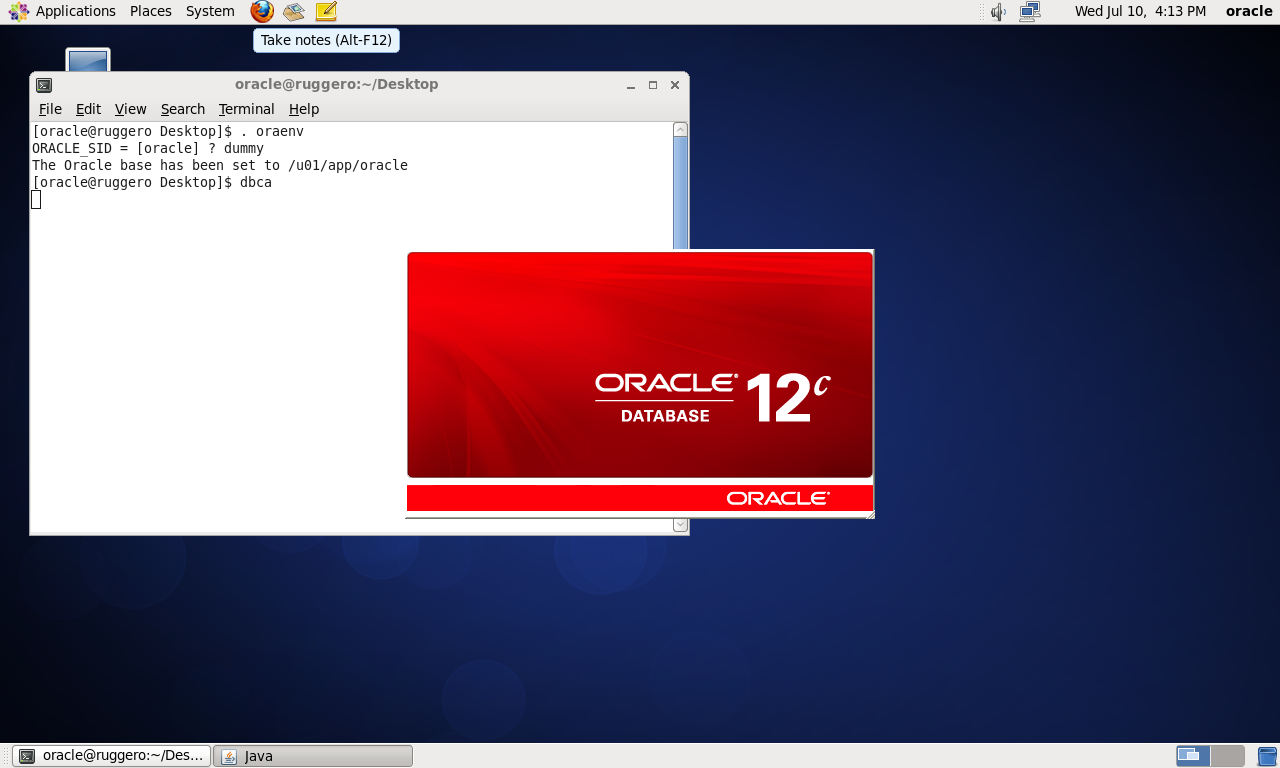
At the first screen we select Create Database.

At the next screen we can name our new database. I have opted to name my new database larondine which is the same name as the cluster.
I have selected ASM storage, and the DBCA tool selects the +DATA diskgroup for my files and the FRA.
I set the password on this screen also.
I have opted to create the database as a pluggable container, so I can experiment with the options of Oracle 12c.

The next screen allows me to review my choices, and if everything looks okay, select Finish to start the database creation.
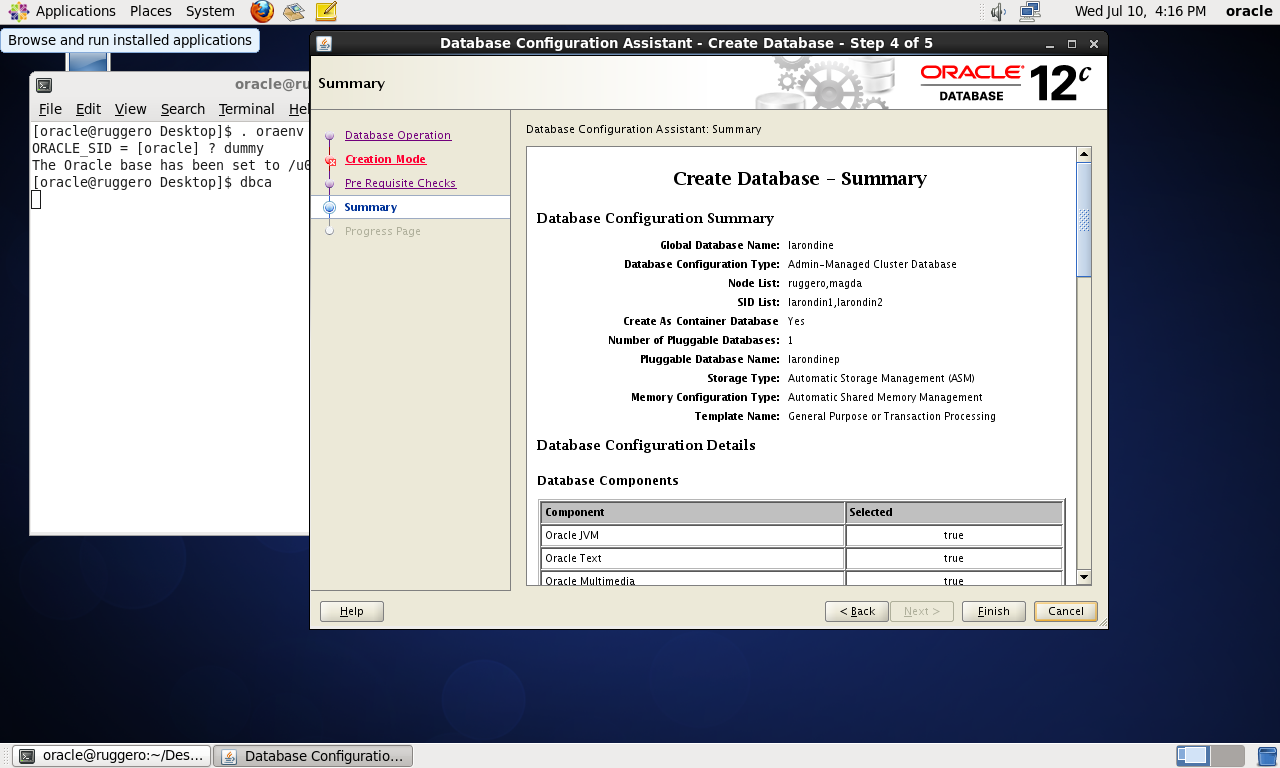
When the database creation completes, the DBCA tool gives us a summary of what it has built for us.

We can now connect to our new Oracle 12c RAC database:
[oracle@ruggero Desktop]$ . oraenv
ORACLE_SID = [larondine] ? larondine
The Oracle base remains unchanged with value /u01/app/oracle
[oracle@ruggero Desktop]$ export ORACLE_SID=larondin1
[oracle@ruggero Desktop]$ sqlplus /nolog

SQL*Plus: Release 12.1.0.1.0 Production on Wed Jul 10 16:32:36 2013

Copyright (c) 1982, 2013, Oracle.  All rights reserved.

SQL> connect sys/oracle as sysdba
Connected.
SQL> select instance_name from gv$instance;

INSTANCE_NAME
----------------
larondin1
larondin2

SQL>
And that is it, a two-node 12c RAC database ready to explore all the new features!
| Article Quick Navigation | ||
|---|---|---|
| Previous Step | Main Index | Next Step |
 the gruffdba
This is an outstanding series! Thank you so much for taking the time to put this together and share it….it’s inspiring.